Kapfenberg was standing in one day
The third installation was the fastest — not because I had got better, but because the first two were written down. Plus one measurement with no occasion.
Kapfenberg was the third instance, one day after Vienna and three weeks after Merano. It was standing in a single day.
Not because I had got faster. Because Merano and Vienna had already stepped into every trap and somebody had written them down.
Three things still came out of that day that had not existed before.
The add-on is not enough — one line is missing
Home Assistant has an add-on called “Terminal & SSH”. Installing it does not suffice.
Without the port mapping 22/tcp: 22 it is only a terminal in the browser.
One line in the add-on configuration decides whether you can get in from outside
with a key, or whether every command means opening the web interface first.
The key itself is an ed25519, created on setup day — and created in Bash, not in PowerShell. Why that matters is in the Merano article: there, exactly that cost half an evening.
unknown_error does not mean “failed”
The script meant to install the add-on aborted:
Supervisor POST /store/addons/core_ssh/install failed:
{'code': 'unknown_error', 'message': ''}
An empty message, an abort. The add-on was installed anyway.
The explanation is unspectacular and consequential: the interface being used
reports unknown_error as soon as the Supervisor’s answer is not JSON. That
happens on an installation just as it does when fetching a log. The call worked —
only the reply did not get through.
Out of that came a rule for every script in all three flats:
After a writing call, measure the state; do not believe the return value. An
unknown_erroris not a reason to stop.
A return value is a claim about the result. The state is the result.
The first integration arrived unasked
A Zigbee stick was plugged into the Pi. I had not gone looking for it: Home Assistant had detected it over USB and already had the setup dialog open.
That is convenient and exactly for that reason delicate. A new Zigbee network would have cut loose every device previously paired to that stick.
So: a question before continuing the dialog. Is the stick factory-new? It was. Only then was the network created.
A dialog that opens by itself is not a recommendation. It is just a dialog.
Incidentally, the serial path points at the device identifier, not at ttyUSB0.
The number can shift after a restart, the identifier cannot — a detail that only
bites once a second USB device arrives.
The measurement that was useless for two months
On setup day not a single device was attached to the stick. I nonetheless measured whether Zigbee and Wi-Fi get in each other’s way — both share the 2.4 GHz band:
| Frequency | |
|---|---|
| Wi-Fi, channel 1 (identical on all three repeaters) | 2402–2422 MHz |
| Zigbee, channel 20 | 2450 MHz |
No overlap, 26 MHz of clearance. The channel the software had picked for itself happened to be the best possible one. A finding of no use whatsoever that day, written down in three lines.
On 7 November it was suddenly worth money. During the move to different Zigbee software, its dialog proposed channel 11 and had already written it:
Zigbee channel 11 2405 MHz right inside the occupied Wi-FiFor this house, the worst possible choice. Switched to 20 before the first device was paired.
Had one already been attached, it would have cost a re-pairing. And had it gone unnoticed, the house would have run a Zigbee network inside Wi-Fi noise for months — and I would later have suspected the range, the batteries, the walls. All wrong, and all plausible.
In Merano the Wi-Fi sits on channel 11, and there Zigbee 20 was exactly the wrong choice. The same recommendation, two opposite outcomes — because it is not a recommendation but a measurement.
Why bother with SSH at all — and the irony in it
SSH was not an end in itself. The http: section in the configuration file
cannot be written through the interface; there is no endpoint for it. No file
access, no hardening of remote access — so, SSH.
And that same day it turned out that this section has no effect anyway since a certain version — the setting migrates once into an internal store, and from then on the store wins.
The note was written down here, including the sentence that Vienna and Merano are affected in the same way. Vienna was updated ten days later, and I did not read it — which cost a whole evening.
The reason I set up SSH was obsolete before the key was a week old. The access was not.
What it stayed useful for is the thing I had not planned: reading logs. What the built-in detour will not hand over, a one-liner over SSH fetches straight from the device.
What I’d suggest
- Check the port mapping, not just the installation. An add-on that runs is not yet access from outside.
- Believe no return value. Measure the state after a writing call, especially when the error message is empty.
- Answer an unasked setup with a question. A dialog that opens by itself knows nothing about what you already have.
- Measure the radio channel on day one, even when nothing is attached yet. It costs three lines.
- Write the note for the sister installation — and then read it, too.
So what?
Not a single automation survives from that day. There was nothing to automate yet — 25 entities, an empty Zigbee network, a terminal.
What survives: a rule about return values, one question that saved a network, and three lines about radio channels that looked superfluous for ten weeks.
That is the difference between the first installation and the third. Not speed, not routine — but that the first two are written down. Twice it saved me a detour that day. And once it cost me one ten days later, because I had not read my own note.
If you want to follow this: use RSS
No newsletter. You give me no address, I keep no list, and nobody has to agree to anything to learn that an article is finished. RSS is the older and, for both sides, the more honest solution.
How it works, and why no newsletter
- 1Get a feed reader. No account needed with an app on your phone or a browser extension; use a hosted service if you prefer.
- 2Add the address above to it.
- 3Done. New articles turn up in your reader by themselves — unread stays unread, and nothing lands between invoices and ads in your inbox.
Why that is better: your reader fetches the file. I get no address and cannot see who reads or whether anyone opened it. Unsubscribing means deleting the entry — no link, no confirmation mail, no me.
Related
Flatness was the proof — two lines, two wrong suspects
Two radio links, two months of measurement. In Kapfenberg the culprit was my own automation, in Merano the measuring tool itself.
For thirteen hours the shut-off hung on the cloud
A network outage, two new addresses — and the local path to both water valves was dead. Why fixed addresses matter most when you work locally.
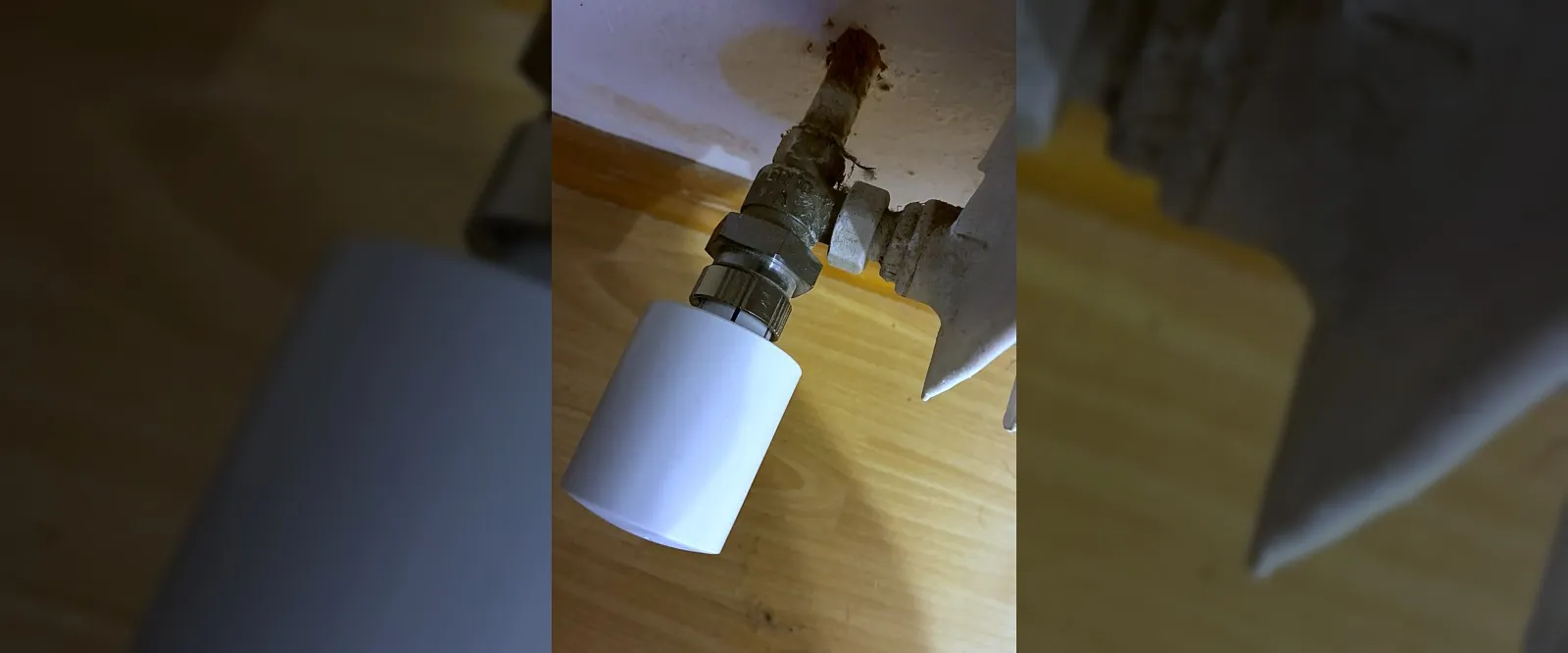
What a radiator thermostat measures is not your room
Three homes, three ways to a radiator: tado over HomeKit, Shelly over Zigbee, and once no valve at all. What each gives you — and what none of them can do.