Measure fast, set slow
The solar battery offers nothing locally. The trigger arrives instantly from the house, the action travels halfway round the internet — that decides the design.
The house in Kapfenberg has a balcony solar installation with a battery. The battery was to go into Home Assistant, and as locally as possible.
The result of the probe is quickly told:
| answers a ping | yes |
| open ports 1–10000 | not a single one |
| announces itself over SSDP | no |
| has a name on the network | no |
The device is a pure outgoing client. It talks to the Anker cloud and accepts nothing itself. There is nothing to be had locally.
Incidentally, I did not find it with a network sweep but in the router’s client list — the same pattern as the robot mower, which also stays silent.
The detour, and why it ran without an add-on store
For this model there is no official local route, but there is a community integration that covers it fully — including control, not just reading.
It was installed by hand: the release archive downloaded and only the integration folder unpacked.
The reason is not stubbornness but traceability — it stays verifiable what lands on the device. The same approach as in Merano. For one single extra integration, the machinery around it is not worth it.
The price is worth naming honestly: no automatic updates. A new version gets fetched by hand again.
And measured rather than assumed: at that point the add-on store was needed for nothing else on this instance.
Power is not energy
25 entities arrived, and entering them into the energy dashboard stopped immediately.
All the battery’s values are instantaneous power in watts. The dashboard wants energy in kilowatt hours, with a counter that only goes up.
With the Shellys that is no issue — the meters in the house carry real counter readings. The battery only delivers what is flowing right now.
And it does not belong in there anyway
This is the finding that saved me the actual work. The battery sits on the DC side, before the inverter. Its energy is therefore already contained in the measured solar production.
panels → battery → inverter → meter in the house → dashboard
         ^                     ^
         reports here          measures here
Two points on the same chain, not two strands.
Enter both and you count the sun twice. And plausibly so: the total does not look wrong, it just looks like a good year.
Anyone who still wants charge and discharge energy as a figure of its own needs two integral helpers that turn power into energy — but beside the dashboard, not inside it.
The break in the middle
The goal was an automation: when the air conditioner runs, the battery should give more. In doing that you run into two halves with completely different speeds.
| Side | Route | Speed |
|---|---|---|
| Trigger | a meter in the house sees the air conditioner start | instant, local |
| Action | every change goes through the Anker cloud | seconds to minutes |
On top of that, how often the device reports at all:
| Situation | Update |
|---|---|
| generation or discharge running | every 60 seconds |
| battery in standby | once per hour |
The second row is the unpleasant one. If the battery is asleep and the air conditioner starts, the feedback can take up to an hour.
Note: not the setting. The seeing.
There is a way out, and it is built into the integration: a button that requests real-time data. The device then reports every three to five seconds instead of every sixty — for as long as the trigger runs.
What follows for the design
Four rules, and all four are in the code because they follow from the measurements and not from taste.
No control loop. Do not adjust continuously; switch a few fixed steps. The real-time mode makes the feedback fast, not the setting cheap.
Hysteresis and a minimum hold time. A compressor cycles. Without a lockout the automation fires at a cloud service every minute — that is the road to throttling or a blocked account.
Check the state first. If the charge level sits at the configured reserve, a higher target does nothing at all.
The wish then fails silently. No error, no message — the system simply does not do what the log says.
And no documented limit is not an all-clear. Anker names neither requests per hour nor a threshold for throttling. That is no licence: without a documented limit you only know that you do not know it.
What I’d suggest
- Check before buying whether the device offers anything locally. No open port means you depend on the manufacturer’s cloud, permanently.
- Look for silent devices in the router’s client list, not in a network sweep.
- Install a single extra integration by hand — then it stays traceable what sits on the device. With the drawback of updating it yourself.
- Do not enter both ends of the same chain into the energy dashboard. The doubled sun looks like a good year.
- Do not build a control loop through somebody else’s cloud. Few steps, a lockout, and check beforehand whether the system can do what you want at all.
- Expect silent failure. A target that bounces off a reserve produces no error message.
So what?
The battery is the only device across the three flats where cloud dependence could not be avoided. Not out of convenience — there is no port to knock on.
That does not change whether you integrate it, but how. Everything else that holds in this house — measure fast, adjust often, see the state immediately — does not hold here. One half of the setup is local and instant, the other hangs on a server in another country.
The design that follows therefore looks like a compromise and is not one: few steps, long hold times, and the feedback fast only when you actually need it.
If you want to follow this: use RSS
No newsletter. You give me no address, I keep no list, and nobody has to agree to anything to learn that an article is finished. RSS is the older and, for both sides, the more honest solution.
How it works, and why no newsletter
- 1Get a feed reader. No account needed with an app on your phone or a browser extension; use a hosted service if you prefer.
- 2Add the address above to it.
- 3Done. New articles turn up in your reader by themselves — unread stays unread, and nothing lands between invoices and ads in your inbox.
Why that is better: your reader fetches the file. I get no address and cannot see who reads or whether anyone opened it. Unsubscribing means deleting the entry — no link, no confirmation mail, no me.
Related
The power nets out, the energy does not
The house meter measures three phases. It nets the power against itself but adds the energy up — which makes its counters useless for the dashboard.
The name lives in three places, and you see only one
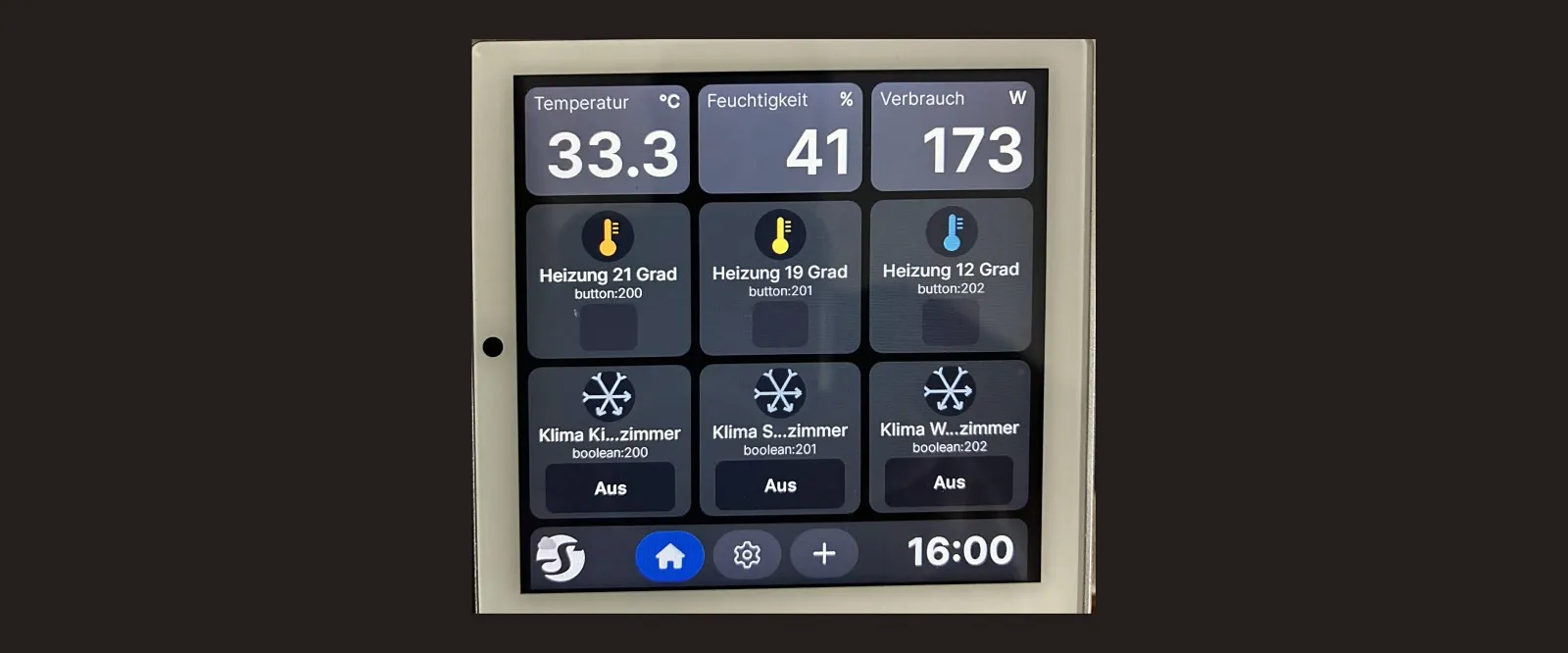
Locally no device has the name it has in the account, the firmware stores no umlauts — and the display hid the house power because of a setting in the cloud.
My flat tells me the electricity bill in advance
At 23:50 on the last day of the month a notification arrives with consumption, cost components and the expected bill. What the forecast can do and where it ends.