Four buttons for six heating zones — the stove counts too
In winter it is always the same four states. Clicking each one by hand across six zones is the kind of work where you forget half — usually the toilet.
The Vienna flat has twelve thermostatic heads and room thermostats across six heating zones. In winter it is always the same four states — and clicking each one by hand across six zones is exactly the kind of work where you forget half. Usually the toilet.
So: four buttons.
| Scene | What happens |
|---|---|
| Flat to 20 degrees | all six zones to 20 °C |
| Frost protection | all six zones to frost protection |
| Bedroom only | bedroom 20 °C, the other five frost protection |
| Stove on | children’s room 20 °C, all others frost protection |
The interesting one is the fourth. And the reasoning behind all four is worth more than the scenes themselves.
The stove scene
There is a wood stove in the living room. When it is running the heating should do nothing there — and nothing in the hallway either, because the warmth drifts there anyway.
That leaves exactly one room that has to make up the difference: the children’s room. It is too far away to get anything from the stove.
The notice the scene posts afterwards says it in one sentence:
Children’s room stays at 20 °C and tops up if needed. All other zones on frost protection — the stove takes care of the living room.
That is the real gain of a scene: not that it saves ten clicks, but that it records a decision. Which rooms the stove covers and which it does not is experience. In a scene it is written down; in a head it is not.
Six zones — derived, not assumed
How many zones there were was not obvious at first. Twelve devices could be twelve zones or four.
The derivation went through the entities: devices reporting the same target and the same actual value belong to the same zone. That gave six: bathroom, toilet, children’s room, bedroom, hallway, living room — the last two with three devices each.
That is not busywork. Cut a zone wrongly and you build a scene that sets two rooms wrongly at once.
“Off” means frost protection, not shut down
A point that guides regularly miss: with tado the off mode is not shut down.
It holds around 5 °C and lets nothing freeze.
That is why the frost protection scene could be built at all. On a system where “off” really means off, the same scene would be a risk in winter — and you would need a low target temperature instead.
Check this on your system before building an away scene. Otherwise the difference only shows at the first frost.
The order decides
In the two single-zone scenes, everything is switched off first and the one warm zone set afterwards.
The other way round would be wrong: if the warm zone is in the same switch-off list, the off call catches it again. You set 20 °C and switch it off yourself one line later.
That is a mistake that does not announce itself. The scene runs through, reports no error, and at night the bedroom is cold.
Why every device is addressed individually
A zone could be set through a single device. That was measured: setting one device pulls the whole zone with it.
With one observation that confuses during testing: the radiator reports the new target with a 30 to 60 second delay. Checking too early makes it look as if only one device followed. It did not — you just looked too soon.
Even so, every scene lists every device individually, with
continue_on_error.
The reason is not thoroughness but a concrete failure: if only one device per zone were listed and that one happened to be unreachable, the whole zone would stay put. One of the living room heads fails regularly — that is not an invented case.
A second call with the same value costs nothing. A room that was not set does.
And why that matters especially here
The heads reach Home Assistant through HomeKit, not through the tado cloud. That has a price, and for scenes it is the decisive one:
unavailable is the only warning signal. There is no “battery low” warning on
this route. A head fails without notice.
Build a scene on top of that which addresses only one device per zone, and you have built a scene that will one day quietly stop reaching half the flat — and nobody will tell you.
In passing: tado does not publish the room names over HomeKit at all. There the devices are named after model and serial number. The names had to be read once from the tado account and mapped.
What actually disappears
Honestly reckoned: one scene replaces up to twelve setting operations. Four times a day, that is not a time saving worth discussing.
What really disappears is the forgetting. The toilet has no occasion of its own to come to mind — nobody goes to the toilet in the evening in order to adjust the heating. Rooms like that are exactly the ones that stay on the old value for weeks when it is done by hand.
And with the stove there is a second part: without a scene the heating works against the stove. Not dramatic, but it is paid-for warmth that nobody needs.
What I would advise
- Derive your zones, do not guess them. Same target and actual value means same zone. It costs half an hour and prevents scenes that set two rooms wrongly at once.
- Check what “off” means on your system. Frost protection or genuinely off — that decides whether an away scene is safe.
- Switch off first, then on. Otherwise the scene erases its own setting.
- Address every device, not one per zone. A duplicate call costs nothing; a failed device costs a cold room.
- Write the reasoning into the scene. “The stove takes care of the living room” is worth more in a year’s time than any automation.
So what?
Four buttons are not an impressive project. But they are the point at which a heating system stops being a pile of devices and starts representing the actual states of a home: everyone here, nobody here, sleeping only, stove running.
There are no more states than that in winter. And once they are properly recorded, the question “did I catch the toilet?” does not come up again.
If you want to follow this: use RSS
No newsletter. You give me no address, I keep no list, and nobody has to agree to anything to learn that an article is finished. RSS is the older and, for both sides, the more honest solution.
How it works, and why no newsletter
- 1Get a feed reader. No account needed with an app on your phone or a browser extension; use a hosted service if you prefer.
- 2Add the address above to it.
- 3Done. New articles turn up in your reader by themselves — unread stays unread, and nothing lands between invoices and ads in your inbox.
Why that is better: your reader fetches the file. I get no address and cannot see who reads or whether anyone opened it. Unsubscribing means deleting the entry — no link, no confirmation mail, no me.
Related
tado integrated locally — then six weeks of wrong diagnoses
The local route to tado runs through HomeKit, and HomeKit allows only one controller. What followed: four plausible diagnoses, all of them wrong.
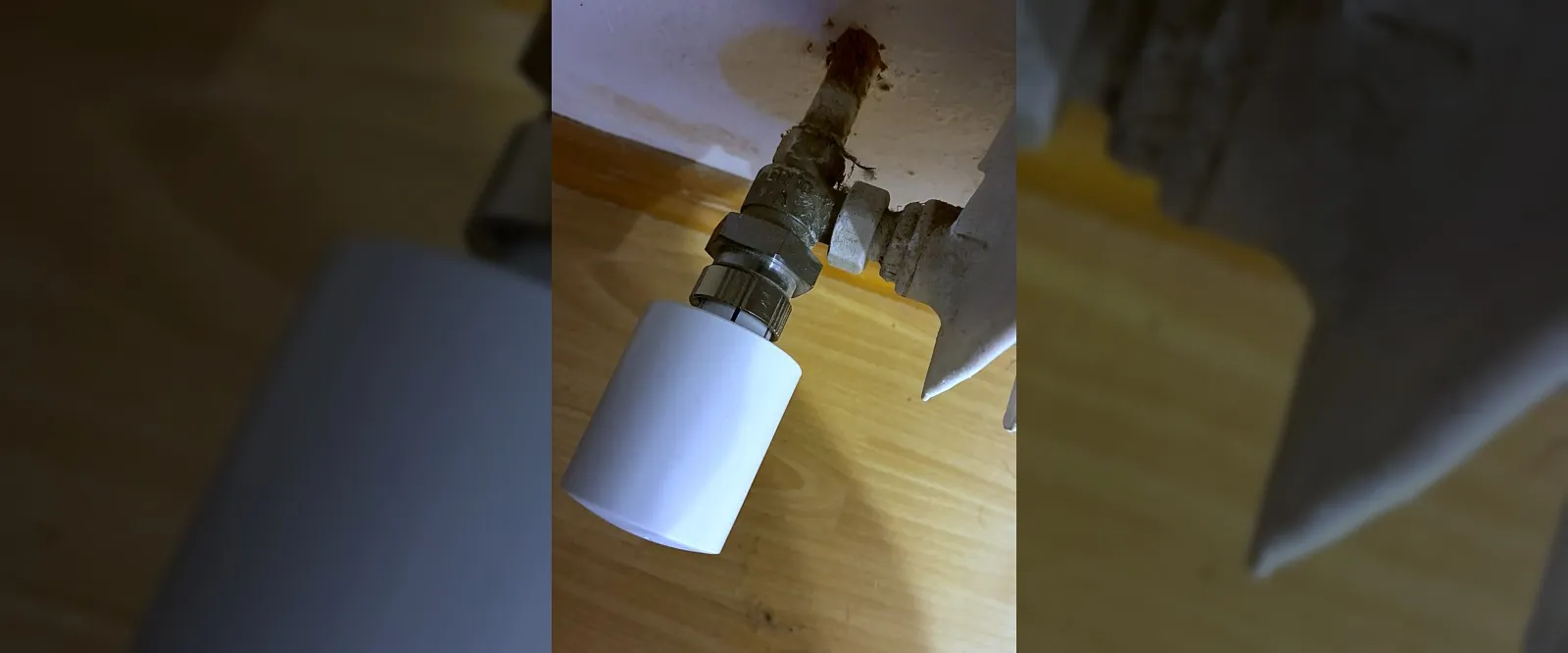
What a radiator thermostat measures is not your room
Three homes, three ways to a radiator: tado over HomeKit, Shelly over Zigbee, and once no valve at all. What each gives you — and what none of them can do.
Two identical buttons, and "long" means different things
One button at the door, one in the bedroom. Both identical, both with three gestures — and the most important gesture does something entirely different on each.